

Proxy in Google Chrome browser
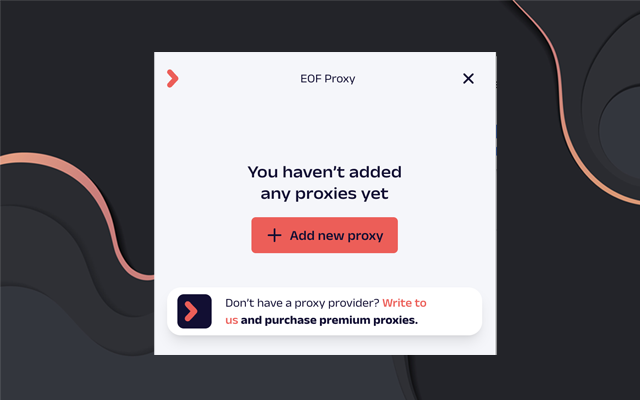
Free proxy servers are available on our website GO OVER
1
Step 1
Install the extension from the Chrome Web Store by clicking here
2
Step 2
In the window that appears, click Manage proxies 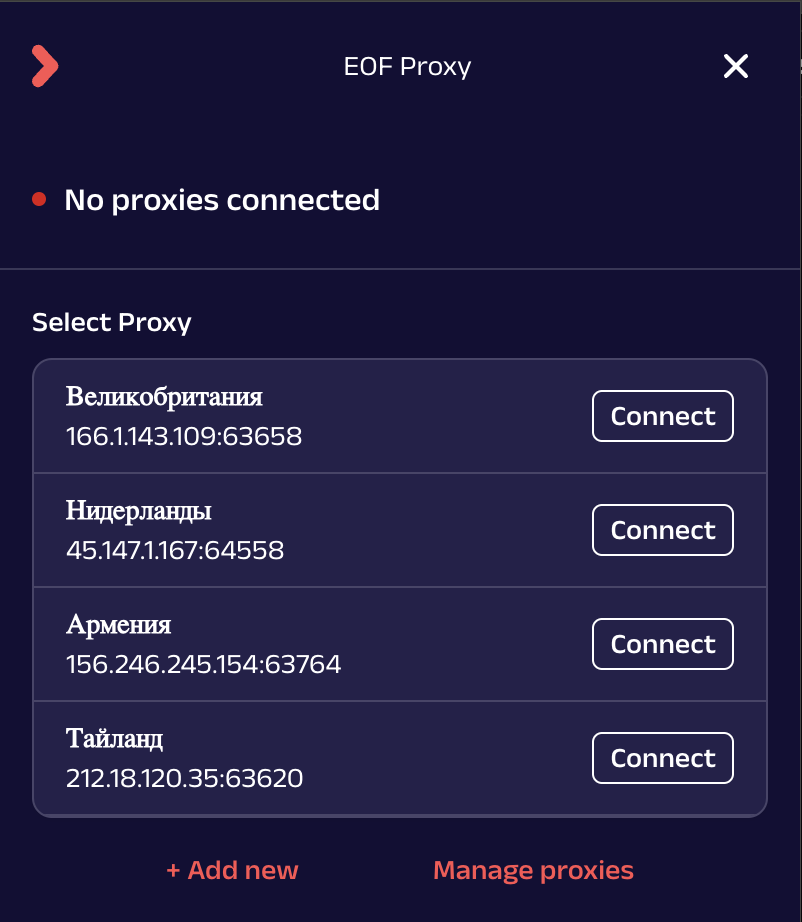
3
Step 3
In the proxy manager, click Add new proxy and enter data in the fields: - Name - name of your connection (specify the country for convenience); - Proxy IP and Port (ip and port in different fields) - in the first field select http protocol, in the second field enter ip address, in the third field specify port; - Username and password - in the first field specify login, in the second field specify password;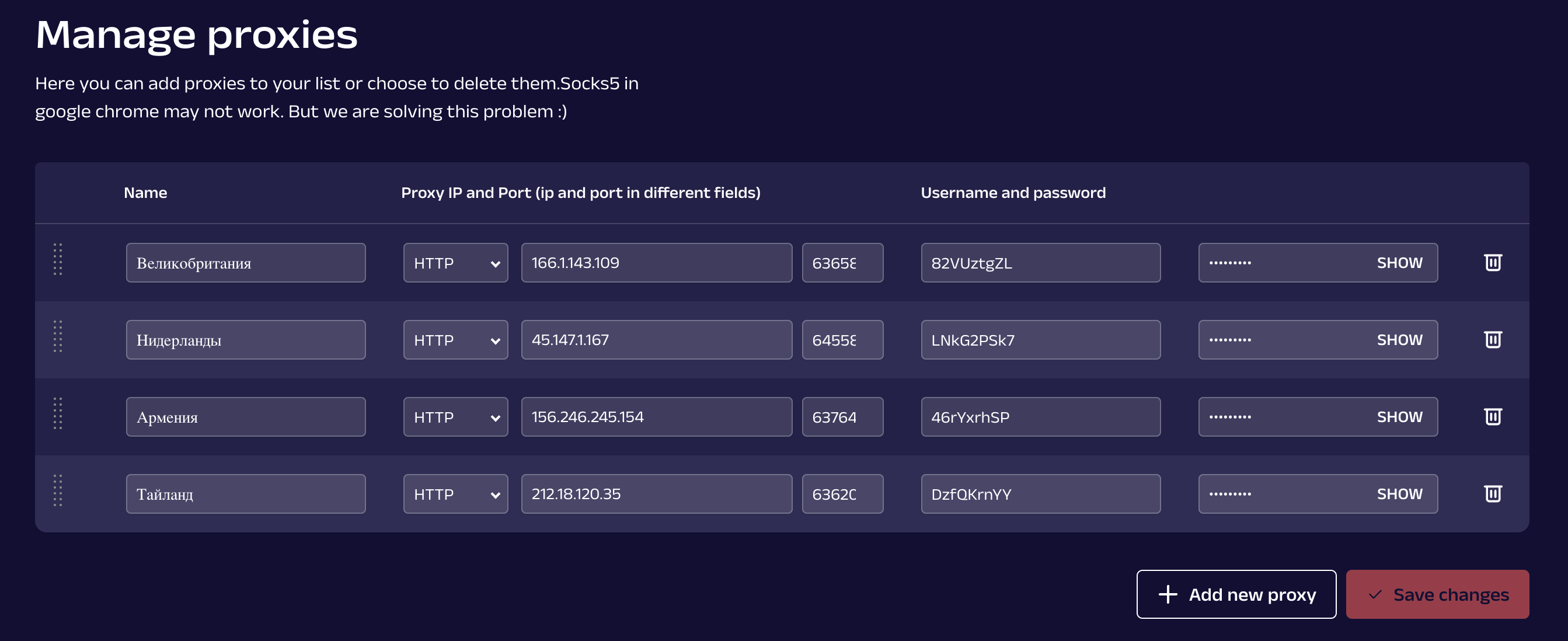
Potatso on iOS/macOS
1
Step 1
Install the application from the AppStore by clicking on the link
2
Step 2
Instructions in GIF: